Quick tipHow toSales Hub

Add Zoom to your HubSpot meeting links

HubSpot and Zoom emails must match.

Subscription
All tiers
Permissions
Meetings access
Time
2 min · Beginner
Last verified

Short answer

HubSpot's KB: after connecting the Zoom app, add Zoom to your meeting links. Your HubSpot user email must match your Zoom user email; verify the connected Zoom user in settings.

1. In HubSpot

The relevant screen in my demo portal.
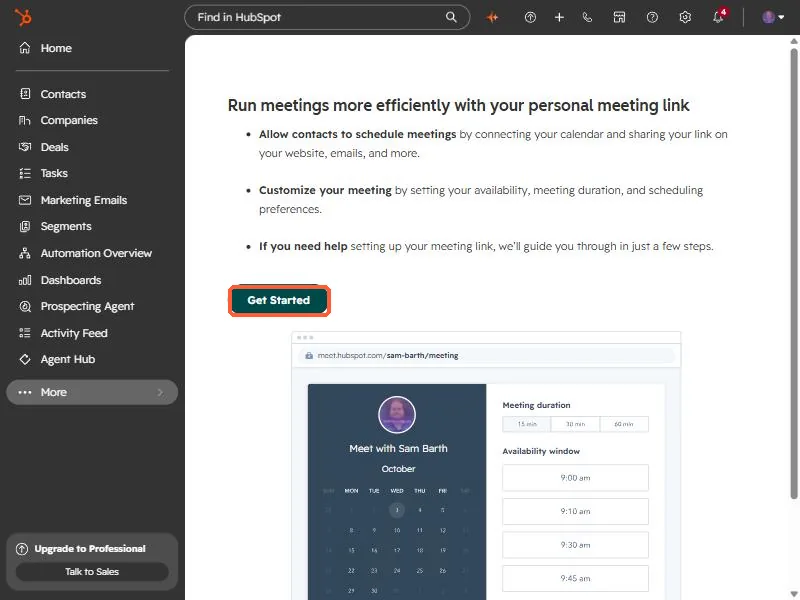
HubSpot meetings tool introduction page with the Get Started button highlighted
The meetings introduction. Get Started begins setup.

2. Worth knowing

Mismatched emails are the usual reason Zoom won't appear as an option.

3. Related

Meetings links and Notetaker in Zoom.

Sources

New field notes by email

One email when a new article publishes.

Still stuck?

If this did not fix it, the problem is probably specific to your setup. Book a call and we will look at it together.

Book a call with Sam